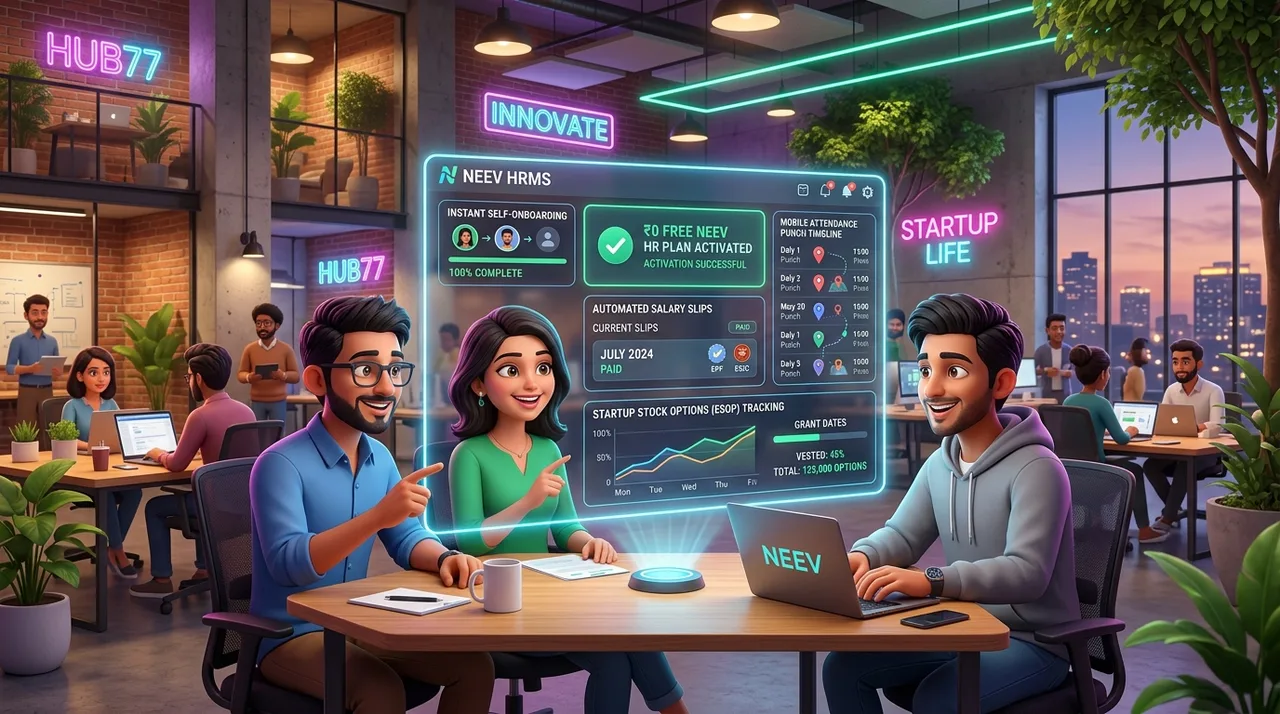
Why Early-Stage & Scaling Indian Startups Choose AccoNova HRMS
1. Choose a Plan for Your Team
Review the pricing page for current plan amounts, employee capacity and included modules. Choose a plan for your team size and required workflows, and confirm the billing cycle at checkout.
2. Automated Indian Statutory Compliance (EPF, ESI, TDS, Form 16)
Statutory non-compliance can trigger heavy government penalties. AccoNova automates:
3. Mobile & Geo-Fenced Attendance Tracking
Whether your startup team works from an office, remote co-working spaces, or in the field, AccoNova’s mobile app verifies exact GPS coordinates during clock-in, eliminating proxy attendance and time theft.
4. Flexible "Buffer Employee" Pricing Model
See current plan rates and additional-employee charges on the pricing page.
5. Nova AI Assistant for Instant HR Automation
Early-stage startups rarely have dedicated HR managers. AccoNova’s built-in Nova AI Assistant handles document parsing, employee policy Q&A, and report drafting automatically.
AccoNova HRMS vs Traditional Startup HR Tools
| Feature / Metric | AccoNova HRMS | Manual Spreadsheets | Legacy HR Systems |
|---|---|---|---|
| Free Plan for Startups | View current plans | Verify the workflow | Verify the workflow |
| EPF ECR Export | One-Click Text File Export | Verify the workflow | Verify the workflow |
| Attendance Tracking | GPS Geo-Fencing & Kiosk | Verify the workflow | Verify the workflow |
| Form 16 PDF Generation | Automated | Verify the workflow | Verify the workflow |
| AI Workflows | Built-in Nova AI Assistant | Verify the workflow | Verify the workflow |
| Pricing Predictability | Buffer Employee Flexibility | Verify the workflow | Verify the workflow |
Transitioning from Spreadsheets to AccoNova HRMS
A structured, pragmatic transition workflow designed for founders and early-stage operators migrating off manual Excel or Google Sheets without operational downtime.
Master Data Export & Cleansing
Extract employee details (DOJ, PAN, Aadhaar, bank IFSC, salary structure components) into a structured spreadsheet format, resolving missing identifiers before upload.
Salary Component & Statutory Alignment
Define Basic, HRA, and Special Allowances in compliance with statutory thresholds (e.g. EPF ₹15,000 ceiling, ESI ₹21,000 threshold, state-specific PT slabs).
Bulk Employee Directory Import
Upload your prepared spreadsheet via the AccoNova Admin Portal. Auto-provision employee IDs and trigger Employee Self-Service (ESS) invitations.
Opening Leave Balances Setup
Transfer carried-forward paid leave and casual leave balances from your manual registers into the AccoNova leave ledger.
Parallel Payroll Dry-Run
Execute one monthly payroll run simultaneously in your legacy spreadsheet and AccoNova to verify net salary, TDS deductions, and EPF/ESI splits before final cutover.
How Startups Can Get Started in 5 Minutes
Choose Your Plan
Create your free company account in under 60 seconds with no credit card required.
Invite Your Team
Share the Self-Registration Portal link so employees can complete their profiles and upload onboarding documents.
Configure Attendance & Payroll
Set office locations for GPS geo-fencing and customize salary structures.
Run Payroll & Export Compliance
Process automated payroll with bulk payslips and export EPF ECR files directly.
Frequently Asked Questions (FAQs for Startups)
Is AccoNova HRMS really free for small startups?
Review the pricing page for current plan amounts, employee capacity and included modules. Choose a plan for your team size and required workflows, and confirm the billing cycle at checkout.
How does AccoNova help startups with EPF ECR filing?
AccoNova HRMS automatically calculates Provident Fund contributions for both employees and employers, generating a ready-to-upload ECR text file formatted specifically for the EPFO unified portal.
Can remote or field employees mark attendance on AccoNova?
Yes. AccoNova’s mobile app uses GPS geo-fencing and live location validation so field reps, remote staff, and site workers can check in securely from designated work areas.
What happens when our startup outgrows its plan?
See current plan rates and additional-employee charges on the pricing page.