Employee Records & Lifecycle Management Software
Maintain one employee record from onboarding through role changes, asset assignments and exit. Keep access controlled, document changes traceable and employee data connected to HR workflows.
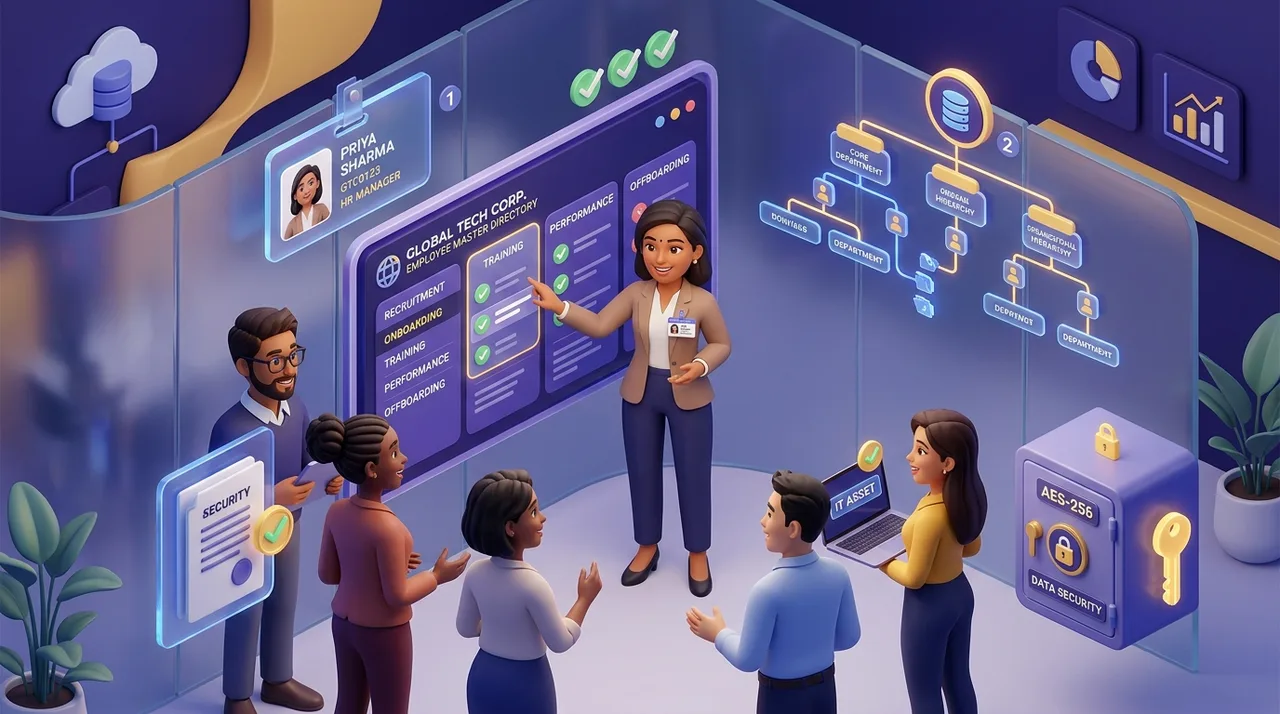
Centralize Every Indian Employee Record in One Place
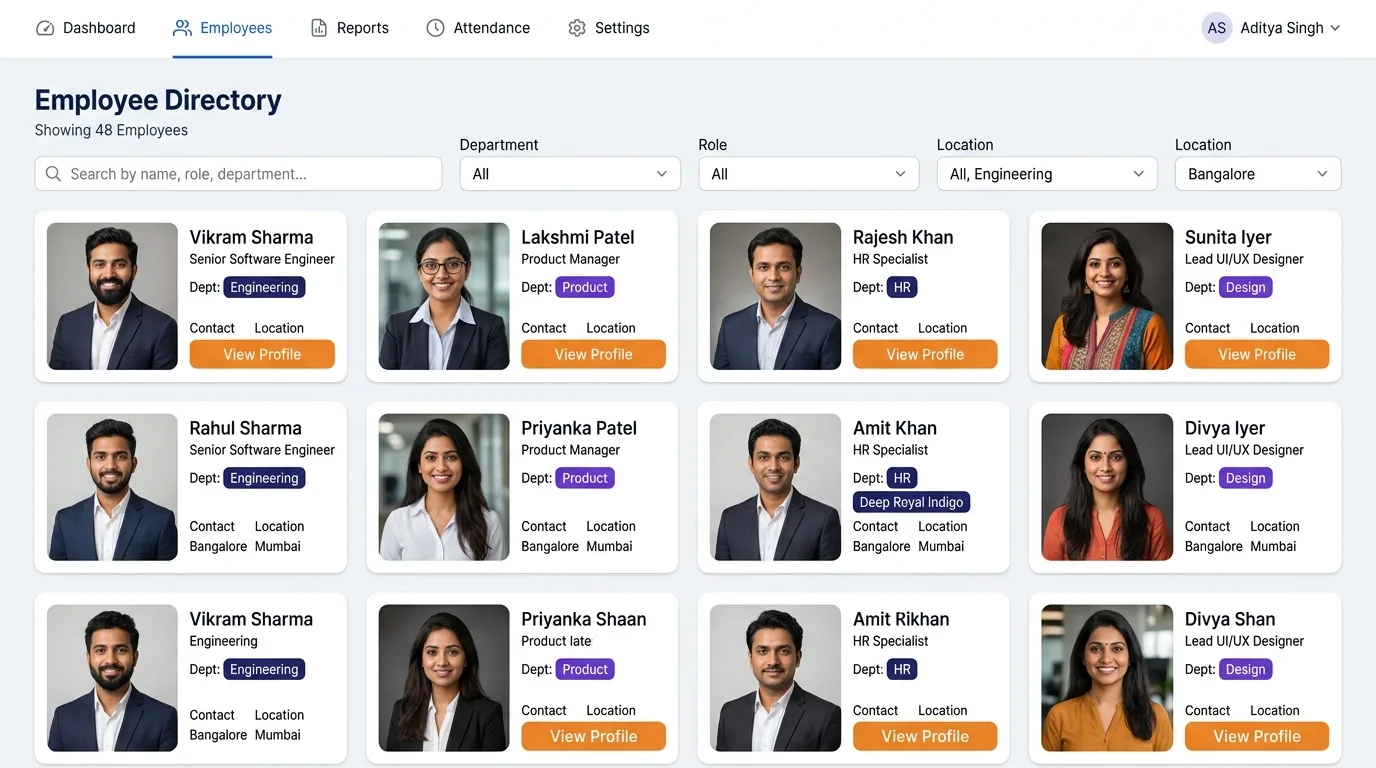
Say goodbye to scattered Excel files and manual recordkeeping. Maintain an organized directory with custom employee ID series (e.g., ACC-EMP-001), department tags, designations, work locations, and emergency contacts.
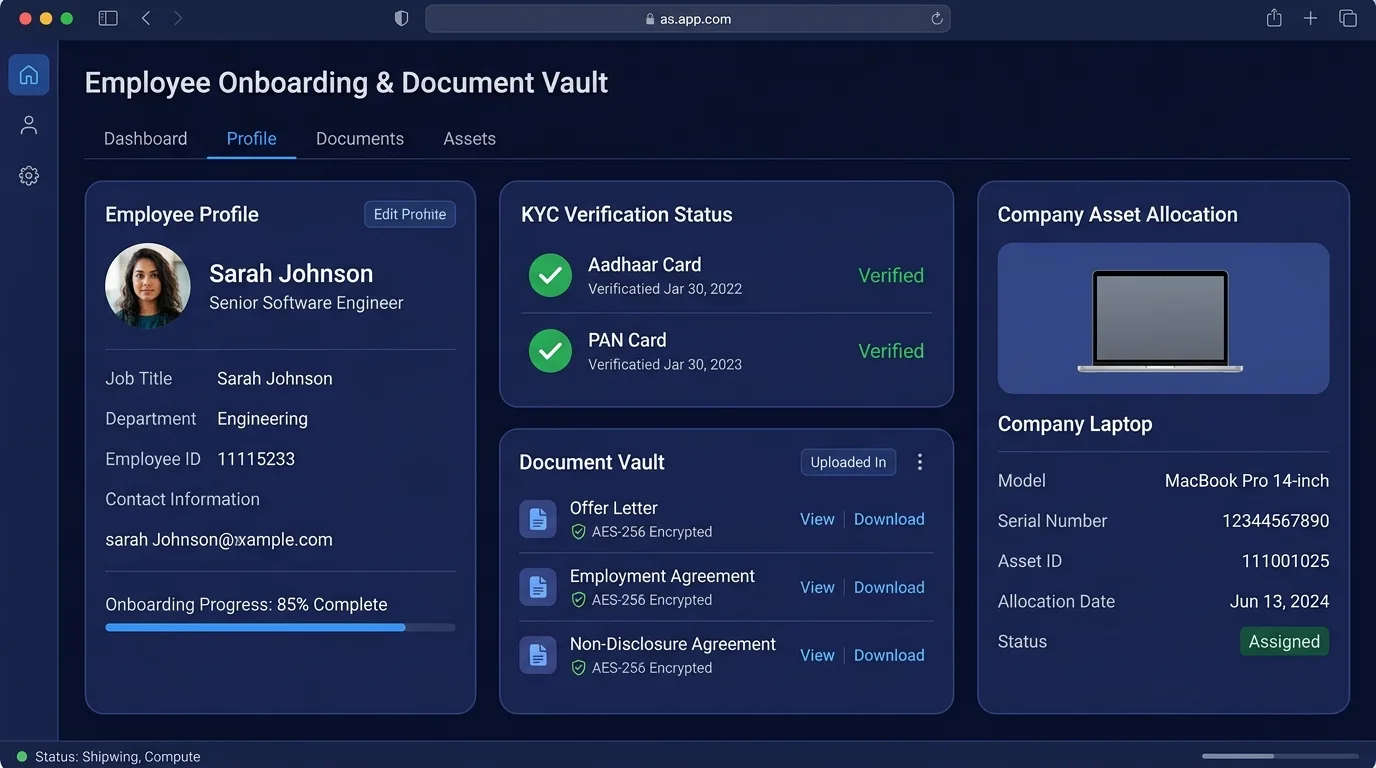
Candidate Self-Registration, Document Vault & IT Asset Tracking
Eliminate first-day paperwork bottlenecks. Send new hires a secure mobile self-registration link to upload Aadhaar, PAN, education certificates, and bank account proofs. HR reviews and approves in 1 click from the verification dashboard.
End-to-End Workforce Management Capabilities
Everything your organization needs to organize employee data, enforce governance, and scale smoothly.
Centralized Employee Master Directory
Maintain a single source of truth for all employee profiles. Search and filter instantly by department, designation, work location, and employment status (Active, Suspended, Terminated) with detailed personal, emergency, and bank payout records.
Self-Registration & Paperless Onboarding
Send invitation links to new hires before day one. Employees submit personal information, upload statutory IDs, and provide bank details. HR verifies and activates profiles in 1 click, automatically seeding their salary structure from CTC.
Dynamic Org Chart & Reporting Lines
Visualize your complete company hierarchy tree automatically. When reporting managers are updated in employee profiles, the interactive org chart recalculates instantly so multi-level approval chains route correctly.
Document permissions and access controls
AccoNova uses access controls and protected connections to support HR data handling. Request applicable security and processing disclosures through the contact page; infrastructure configuration is not published.
IT Hardware & Asset Lifecycle Tracking
Catalog laptops, monitors, phones, and peripherals with serial numbers and condition states. Assign assets to employees with digital acceptance receipts, track maintenance history, and verify returns during exit clearance.
4-Stage Exit & Clearance Workflow
Manage offboarding systematically: Resignation Initiated (15%) → Working Notice Period (40%) → Department Clearances [HR, IT, Finance, Admin] (75%) → Full & Final (F&F) Settlement & Gratuity Calculation (100%).
The Complete Employee Lifecycle in AccoNova
A continuous, frictionless workflow from candidate invitation to final alumni archival.
Self-Registration & KYC Upload
Send an onboarding link via email or SMS. The candidate fills their profile, attaches identity proofs, and enters bank details on their mobile browser.
HR Verification & Salary Seeding
HR inspects submitted documents from the admin verification portal, verifies Aadhaar/PAN, and approves the record to auto-seed their payroll components.
Asset Handover & Day-1 Enablement
Allocate IT hardware with serial numbers and send company policy handbooks. Employees digitally acknowledge receipt through their Employee Self-Service (ESS) portal.
Clearance & Full & Final Settlement
When an employee parts ways, track notice periods, route clearances across IT, Finance, and HR, and auto-compute F&F salary dues, leave encashment, and Gratuity.
Frequently Asked Questions — Employee Management Software
How does AccoNova's candidate self-registration portal work?
HR generates a secure self-registration invitation link from the Admin dashboard and sends it to the prospective employee. The candidate enters their personal demographics, blood group, emergency contacts, previous employment history, bank account details (with IFSC code), and uploads statutory KYC proofs (Aadhaar, PAN, Passport photo). Once submitted, the record appears in HR's 'Verify Registration' queue (/hrm/employees/verify-registration) for one-click review and activation.
Is employee data stored securely in compliance with the DPDP Act 2023?
Review workspace roles, document permissions and the current Security and DPA disclosures. Request evidence for encryption, audit retention and other controls before making a security or compliance decision.
Can employees update their personal or bank details through Employee Self-Service (ESS)?
Yes. Employees can log into their ESS mobile or web portal to request updates to their phone number, residential address, emergency contact, or bank account. To maintain data integrity and prevent payroll errors, all profile update requests are routed to HR for review and approval before being updated in the employee master directory.
How does the IT Asset and inventory tracking module work during onboarding and exit?
Company administrators can maintain a master catalog of assets (laptops, mobile phones, company vehicles, access cards) categorized by serial numbers, brand, and purchase value. When an asset is assigned to an employee, an electronic acceptance notification is sent to their ESS portal. During offboarding, the IT department must verify the physical return of all assigned assets before granting clearance for Full & Final (F&F) settlement.
How does the dynamic Org Chart and reporting hierarchy function?
AccoNova automatically constructs an interactive organizational hierarchy tree based on the 'Reporting Manager' designated in each employee's profile. When promotions, team transfers, or management restructuring occur, updating the reporting manager automatically redraws the tree and updates leave, attendance, and expense approval routing paths without requiring manual hierarchy reconfiguration.
What HR letters can be generated automatically from the system?
AccoNova includes a built-in HR Letter Generation engine (/hrm/letters) with customizable templates and dynamic placeholders. HR can generate Offer Letters, Appointment Letters, Confirmation Letters, Promotion Letters, Annual Increment Letters, Experience Certificates, and Relieving Letters in 1 click, automatically populating employee names, designations, CTC breakups, and dates in standardized PDF format.
What are the 4 stages of employee exit management in AccoNova?
The exit management engine (/hrm/exit) tracks employee separation across four clear milestones: 1) Resignation Initiated (15% progress) when submitted by the employee or HR; 2) Working Notice Period (40% progress) tracking buyout days and last working date; 3) Multi-Department Clearance (75% progress) requiring sign-offs from HR, IT (asset recovery), Finance (loans/advances), and Admin; and 4) Full & Final (F&F) Settlement (100% progress) computing salary arrears, notice pay recovery, leave encashment, and statutory Gratuity under the Payment of Gratuity Act 1972.
Can we manage multiple branches, locations, and legal entities in one account?
Compare current plan features and company limits for multi-branch or multi-entity requirements. In a demo, confirm the branch locations, subsidiary companies and state-specific payroll workflows you need.
Ready to Transform Your Employee Record Management?
Join hundreds of forward-thinking Indian businesses that have eliminated HR paperwork, secured employee KYC, and streamlined operations with AccoNova.